
How to Look Professional in a Hybrid World
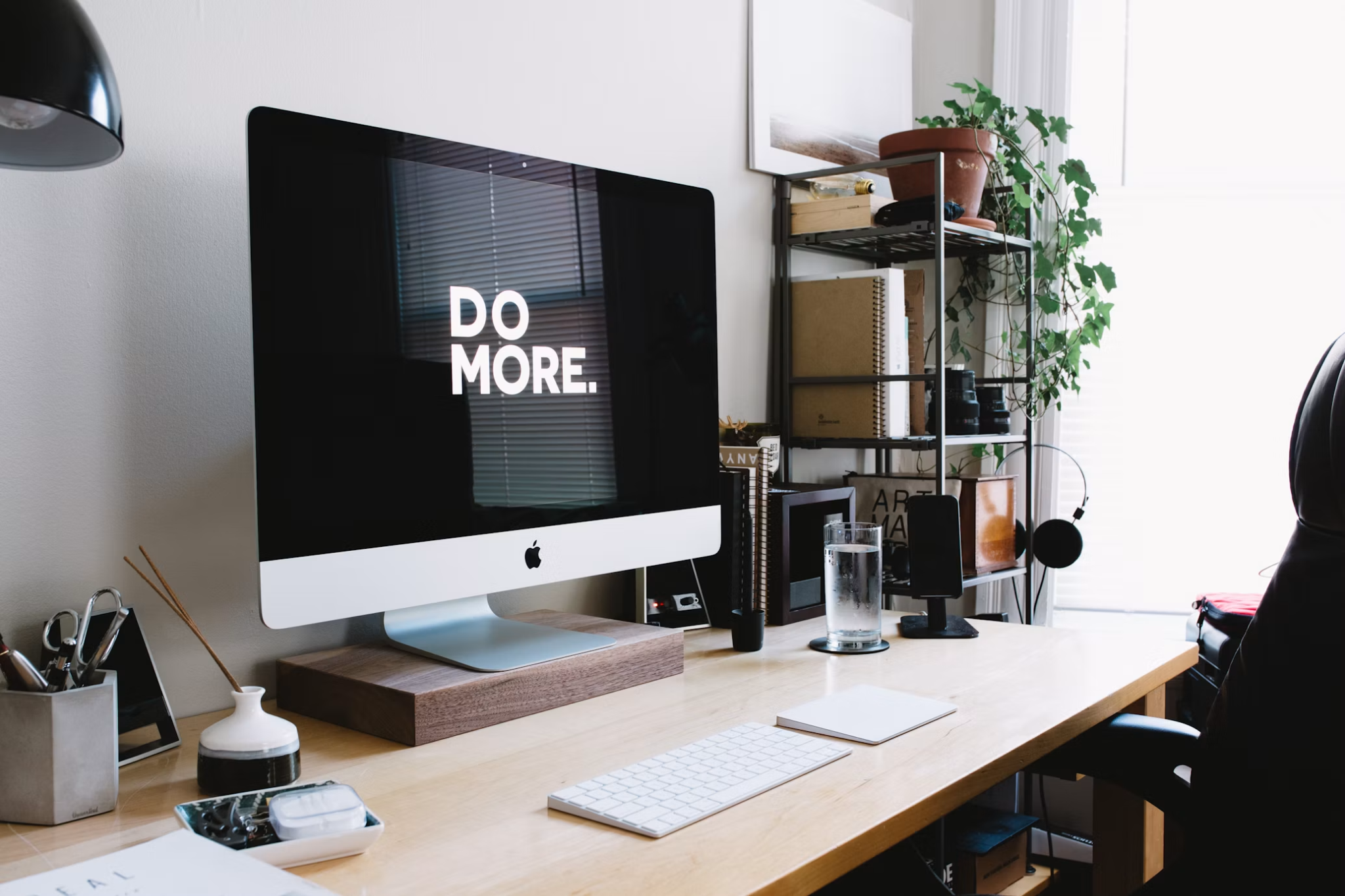
The shift to hybrid work has permanently changed how we define and demonstrate professionalism. Your ability to present yourself effectively on a video call is now just as important as your in-person demeanor. It’s a new skill set, combining old-school etiquette with new-school tech savvy. Mastering your virtual presence isn't just about avoiding embarrassing moments; it's about building credibility, showing respect for your colleagues, and commanding attention in a crowded digital space. From your outfit to your audio, every detail contributes to the professional image you project, and you can find five things for success in the winter issue.
Dressing for Digital Success
The "Zoom shirt", a nice top paired with pajama bottoms, became a running joke early in the remote work era, but relying on this strategy can backfire. Getting fully dressed, even if no one sees your pants, helps shift your mindset from home mode to work mode. It signals to your brain that it’s time to be focused and productive. When you feel put-together, you act more put-together.
What you wear on camera has a different impact than it does in person. Here are a few guidelines for looking your best on screen:
- Choose Camera-Friendly Colors: Solid, rich colors like jewel tones (emerald, sapphire, ruby) and earthy shades tend to look best on camera. They provide a nice contrast without being distracting. Avoid bright whites and deep blacks, as they can cause cameras to auto-adjust exposure poorly, either washing you out or making you disappear into the background.
- Avoid Busy Patterns: Small, tight patterns like houndstooth or fine stripes can create a distracting moiré effect on screen, making the image appear to vibrate. Stick to solids or large, simple patterns.
- Mind the Neckline: V-necks and collared shirts generally frame the face well. Ensure your neckline isn't too low or distracting. The focus should be on your face and what you're saying.
- Add a Simple Accessory: A simple necklace or a pair of non-dangling earrings can add a touch of polish without creating glare or noise.
Ultimately, the goal is to look intentional and professional. Taking a few moments to think about your on-screen appearance is a key part of enhancing your virtual presence and showing respect for the people you're meeting with.
Optimizing Your Virtual Background
Your background is more than just the space behind you; it’s a part of your professional brand. A cluttered or distracting background can undermine your credibility before you even speak. You have two main options: using your real environment or a virtual background.
If you opt for your real background, curate it carefully. It doesn’t need to look like a sterile corporate office, but it should be tidy and professional. Position your camera to show a clean wall, a well-organized bookshelf, or a piece of art. A healthy plant can add a touch of life and color. The key is to remove personal clutter like laundry baskets, unmade beds, or stacks of mail. Your background should be interesting enough to look pleasant but not so busy that it pulls focus from you.
Virtual backgrounds can be a great solution if your physical space isn't ideal. However, choose wisely. A blurry background is often the safest and most professional choice. It obscures your surroundings without introducing a potentially cheesy or distracting image. Many companies now offer branded virtual backgrounds, which can be a good way to present a unified team front. Avoid novelty backgrounds like beaches or outer space unless the meeting is explicitly informal. For a virtual background to work well, you need good, even lighting and a solid-colored wall behind you; otherwise, you'll get that glitchy, halo effect around your head and shoulders, so here are some virtual background tips.

Sound and Lighting Essentials
You can be perfectly dressed with a pristine background, but if your lighting is poor and your audio is garbled, your professional image will suffer. People are more likely to forgive mediocre video than bad audio. If they can't hear you clearly, they can't engage with your message.
First, let's talk about lighting. The best light source is natural light. If possible, set up your workspace so you are facing a window. This provides soft, even light that is flattering for most people. If you have a window behind you, you’ll become a silhouette. If a window isn't an option, invest in a simple ring light. These are affordable and designed to cast even light on your face, eliminating harsh shadows.
For audio, the microphone built into your laptop is often not good enough. It picks up ambient noise, keyboard clicks, and echoes from your room. The simplest upgrade is to use headphones with a built-in microphone. This positions the mic close to your mouth and helps isolate your voice. For even better quality, an external USB microphone is a worthwhile investment.
For day-to-day meetings, these DIY fixes are usually sufficient. But for high-stakes virtual or hybrid events, like a company-wide town hall, a major client presentation, or a product launch, you can't leave anything to chance. In these scenarios, professional-grade equipment and technical support are essential. This is when you should consider working with providers of full-service AV solutions who can manage everything from broadcast-quality cameras and multi-microphone setups to sophisticated lighting design and seamless streaming. Ensuring a flawless technical experience shows your audience that you value their time and attention.
Engaging Your Audience Remotely
Projecting professionalism in a virtual setting goes beyond your appearance and setup; it's about how you interact. In an office, your presence is a given. On a video call, you have to actively work to create it.
Body language remains incredibly important. Sit up straight, lean in slightly to show interest,t and keep your hands visible. Avoid multitasking. It's tempting to answer an email or check your phone during a call, but people can tell when your attention is divided. Your eyes drift, your responses are delayed, and you lose connection with the group.
One of the biggest challenges is eye contact. To simulate eye contact with your audience, you need to look directly into the camera lens, not at the faces on your screen. This can feel unnatural at first, but it makes a huge difference to the person on the other end. It makes them feel like you are speaking directly to them. Try placing the video window of the person speaking directly below your camera to make this feel more natural.
These skills are particularly crucial when you're in a situation with high stakes, and there are many best practices for virtual interviews that apply to all professional calls. Hybrid meetings add another layer of complexity. If you are one of several remote participants in a meeting with people who are physically in a conference room, you have to be even more intentional to make your presence felt. Speak clearly, use the "raise hand" feature before jumping in, and use facial expressions like nodding and smiling to show you're engaged. Mastering the art of projecting professionalism in hybrid meetings ensures you remain an active and respected contributor, regardless of your location.
The new rules of professionalism are here to stay. Being intentional about your digital presence helps you continue to build strong relationships and advance your career, no matter where your office is located. Before your next important video call, take five minutes to do a quick tech check and see yourself on camera; it’s a small step that can make a big impact.