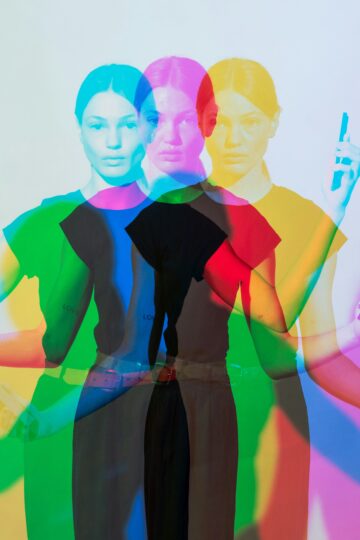
Remove.bg Alternatives for Creators Selling Handmade Goods Online
You put hours into making that candle, that bracelet, that handmade mug. But the photograph? That cluttered background isn't doing it justice. So how do you get a clean product photo without hours of editing?
Remove.bg was easy. However, their standalone website will be shut down on 1 December 2026. Remove.bg background removal will shift to Canva, its API will go to Leonardo.Ai, and any remaining pay-as-you-go credits will go to waste. But what's the workaround?
In this tutorial, we'll cover the best tools like Remove.bg for handmade sellers and see which one is going to be the best for making your products shine.
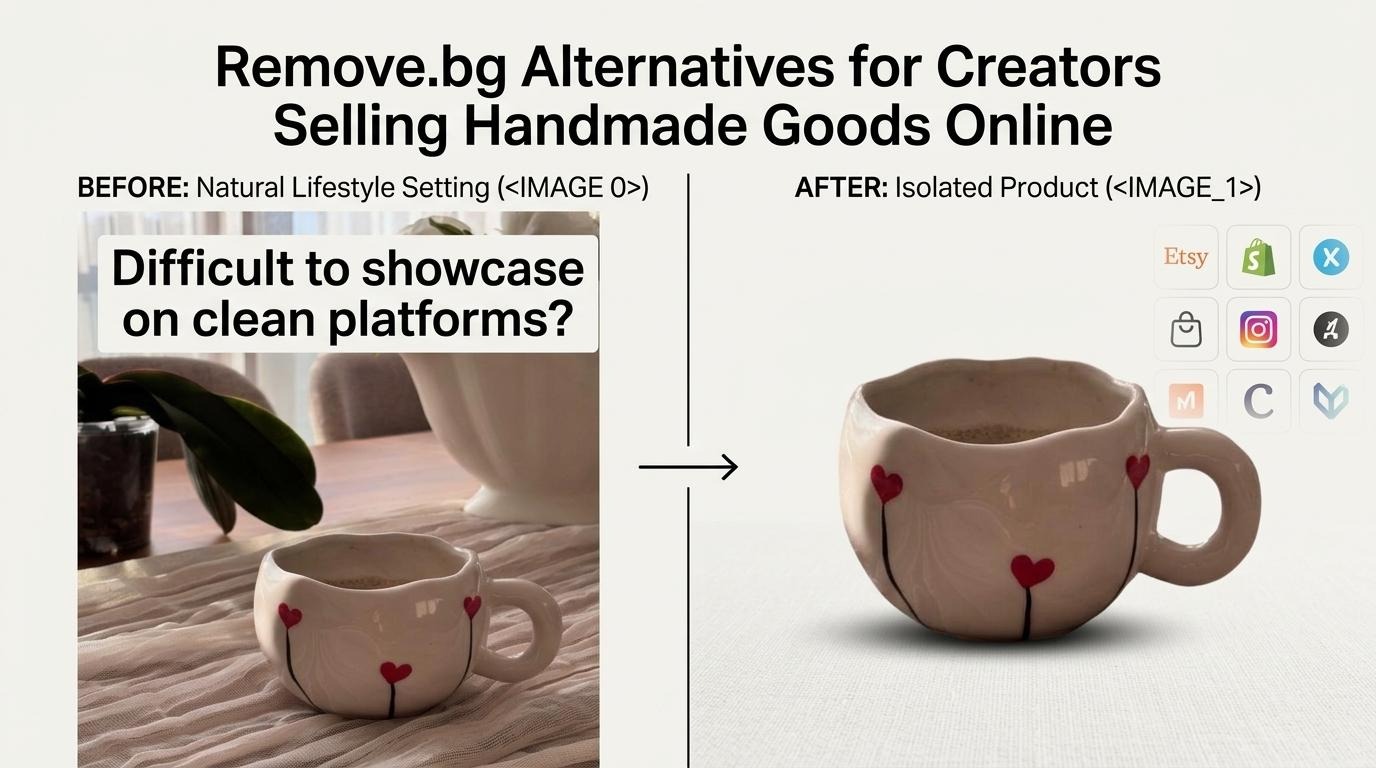
Before You Ring It Up: What a Handmade Photo Needs
Have you ever attempted to take photos of your handmade creations and realized it was way harder than you thought? Those fuzzy yarns, wonky rims on mugs, thin jewelry chains, or glass jars that look great to the eye but are hard to photograph. You need good window lighting, perfect focus, and a contrasting background. You can remove your background from editing, but you can't fix a blurry picture!
Are you ever concerned about melting away the magic? Maintain the texture, actual colors, edges, and natural shadowing. Consumers want to be able to see exactly what they're getting, right? Did you read the photo policies for your marketplace recently? What is it: for every single tool, we'll look at three little pieces of information – Cost (what you pay), Time (how long it takes), and the catch (where it falls short).
1. Designkit
Sick of poor product photos messing up your handmade listings? Designkit free background remover to the rescue! Might be time to say goodbye to Remove.bg or any of the others. Designkit not only deletes backgrounds, but you can also change out the backgrounds, resize for Etsy or Shopify, and it has all the ready-to-go options for your social media! Why bother with multiple tools when you don't have to?
Curious about the price? No problem, here's Designkit! Upload and view images without the need to sign up. Log in to earn up to 100 free full-resolution downloads per day. Supports JPG, PNG and WebP files, batch up to 15 images at a time, with a convenient Download All button.
Isn't that perfect, especially if you've got a whole weekend's worth of homemade stuff?
Job 1: The listing photo
Have you ever seen the beauty of a handmade ceramic cup with a slightly uneven edge and a handle? That's what makes it so charming, isn't it? Clear, clean cutouts are perfect, but we don't want to lose the character of a handmade product.
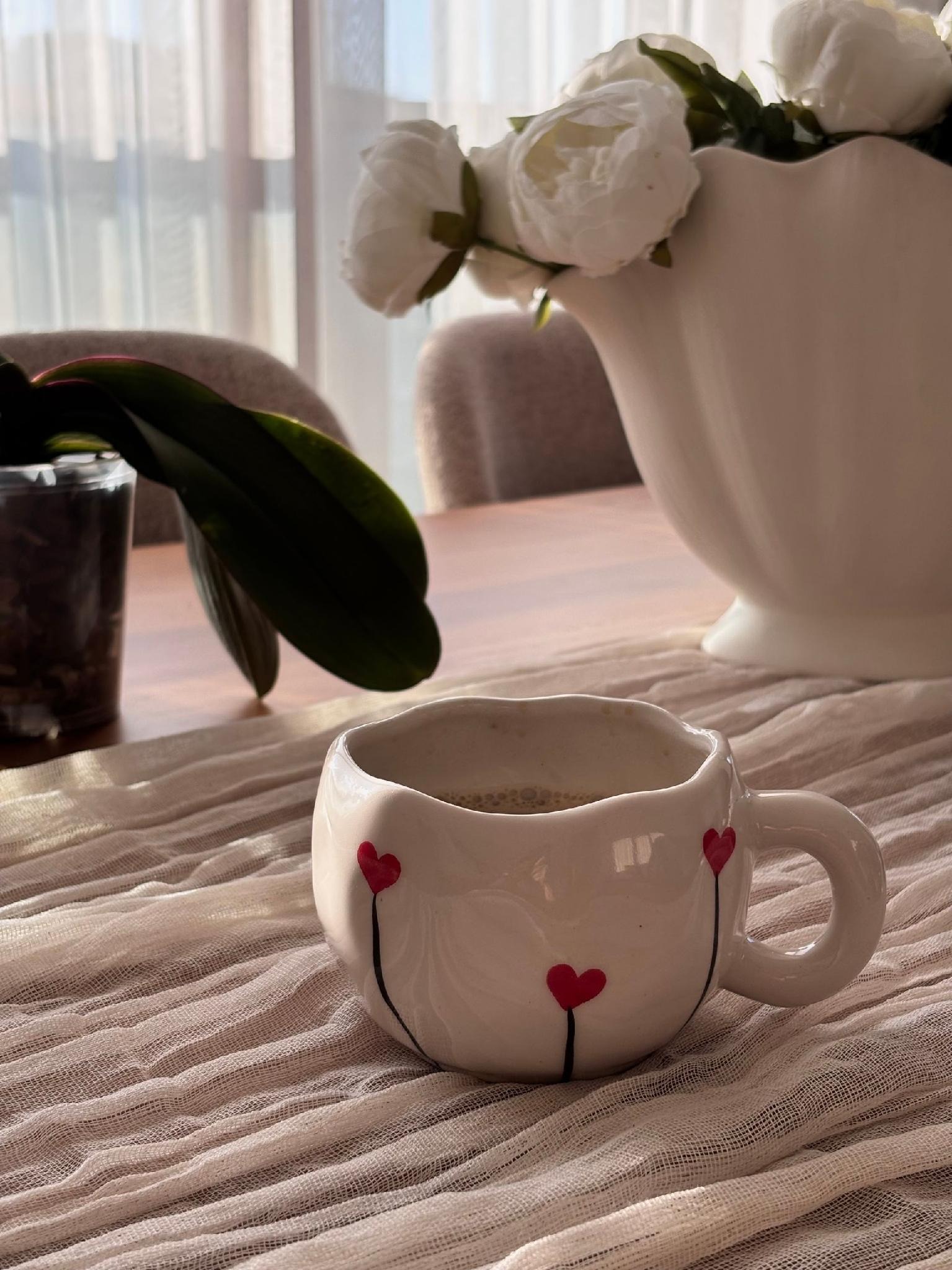
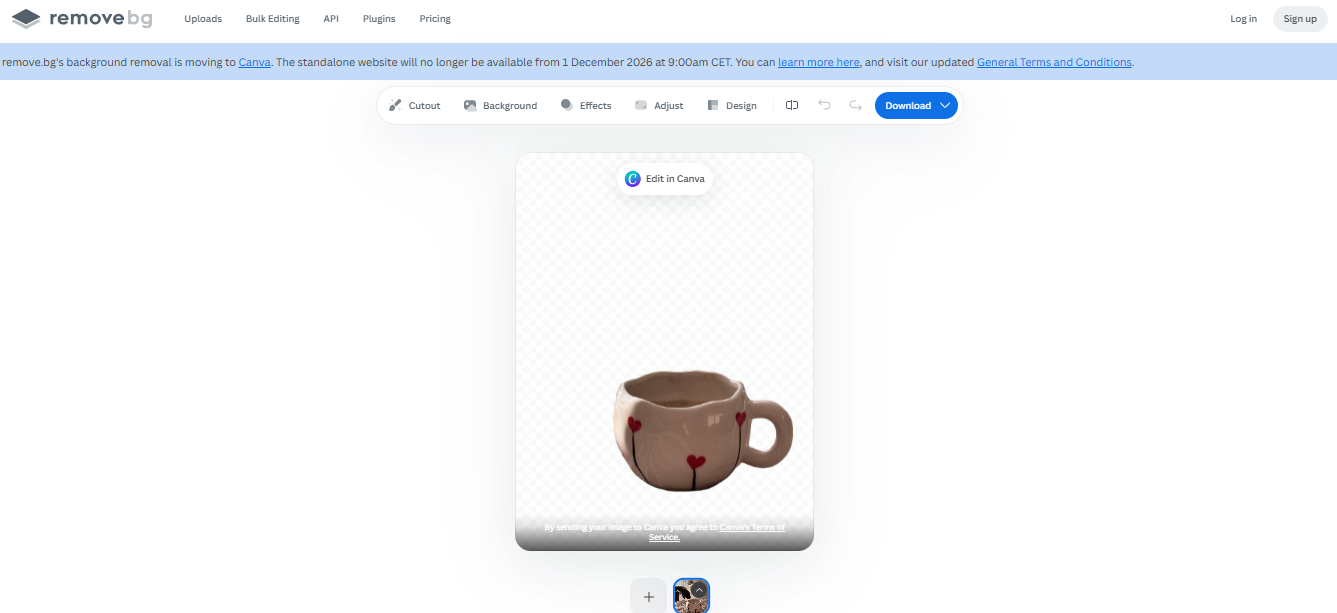
So, here's the thing: We're comparing Designkit and Remove.bg on three complex edge types – the handle gap, the uneven rim and the base. Do they look nice on both a dark and white background?
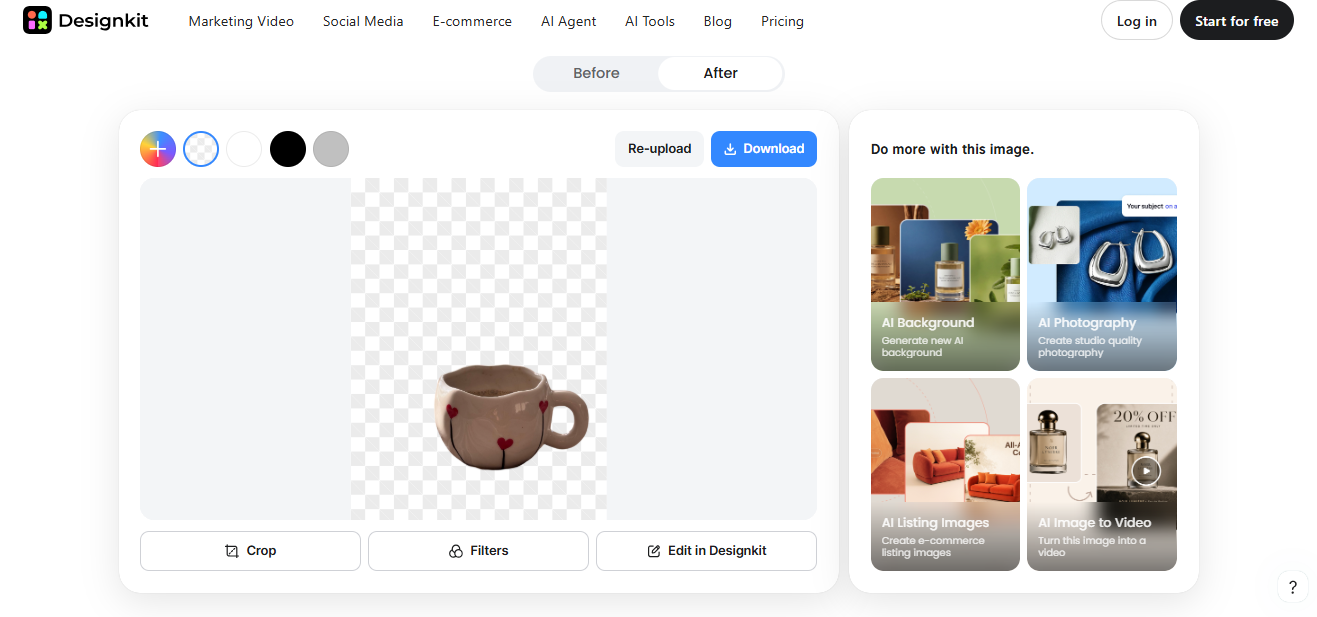
Results: Designkit provided a tidy cutout of the mug, while maintaining the rough rim, handle gap, and bottom of the mug's shape. The edges of the cut were clean on white and dark backgrounds. Remove.bg also did a good job with the mug but took a bit of time and lowered the image resolution, but Designkit kept the handle opening and rim cleaner. We liked how it preserved the handcrafted elements without making the mug look overly man-made.
Job 2: Give it your brand's look
White backgrounds are perfect, but what if you want a little personality? Set the same mug against a warm, clay-colored background in your shop's style.
With Designkit, you can change between transparent, white, custom color, custom scene, and AI Background without ever uploading again.
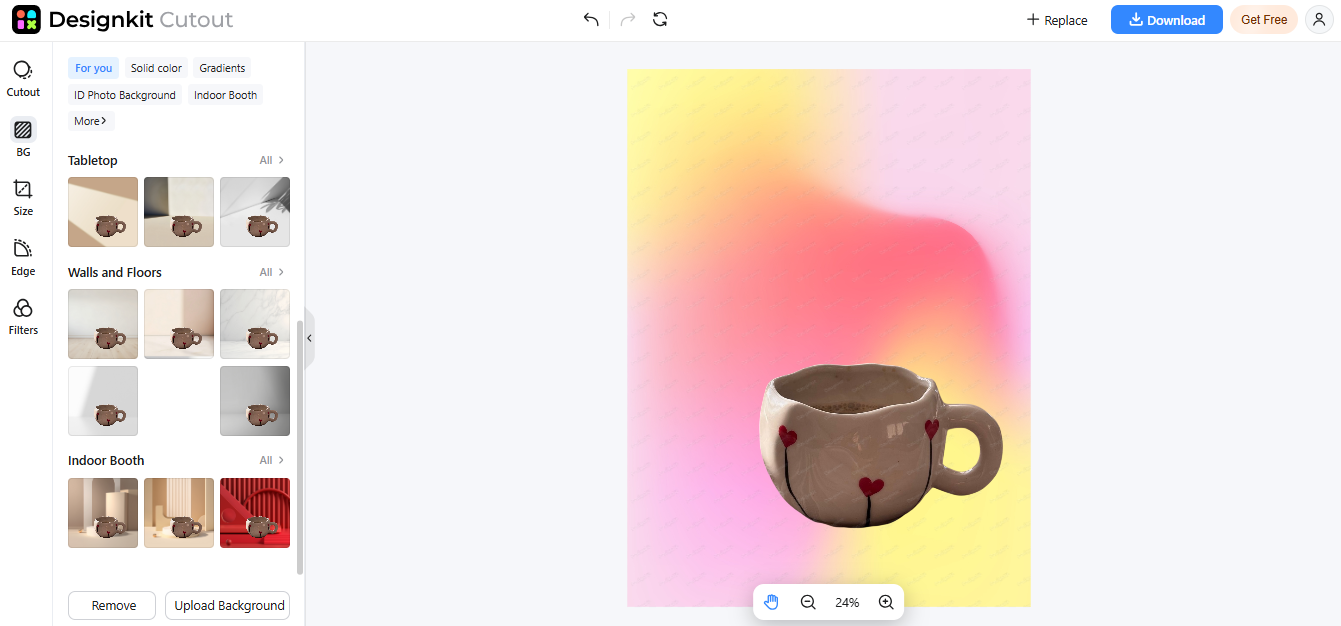
For bigger campaigns, its product photography generator can create lifestyle scenes. Just label generated scenes clearly and make sure the mug's actual size, color, and finish stay true.
Other handy extras: Designkit also has an object remover for stray threads or crumbs, an image enhancer for older phone photos, and a listing generator to help write product descriptions.
A few less things on your to-do list!
| What you get | |
| Cost | Free previews and up to 100 free full-resolution downloads daily after login. |
| Time | [2-3 seconds]. Supports batches of up to 15 images. |
| The catch | Fuzzy edges may need a little cleanup. We also couldn't zoom in after the cutout, so it's worth downloading and checking the full-size image. |
2. Canva
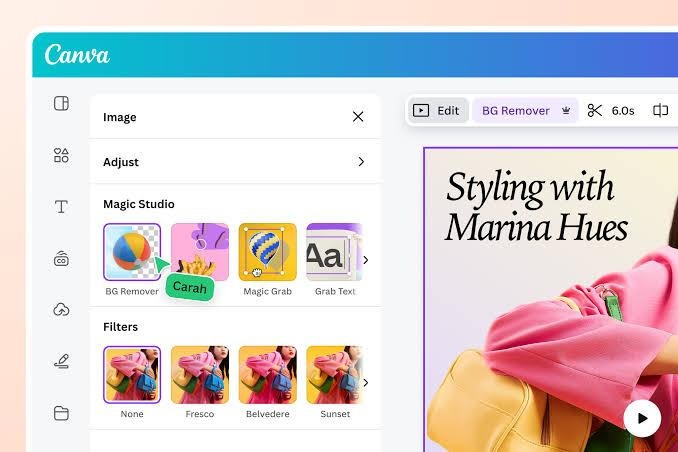
Already creating your Etsy banners and Instagram stories in Canva? So why switch to a new app? Well, Remove.bg's background removal is now available in Canva too! With BG Remover, you'll be able to get rid of unwanted backgrounds in your product photos in no time. Can't get a clean cut on your jewelry or decorations? Try the Erase and Restore brushes!
Canva has so much more in store. You get templates that are ready to go, Magic Resize for social media posts, transparent PNG downloads, and a Brand Kit to keep your shop looking cohesive. Got a bunch of candles to add? Its paid plans allow you to batch erase the backgrounds from up to 50 images. Not bad at all!
| What you get | |
| Cost | Canva Free is $0, but Background Remover requires a paid plan. Canva Pro costs $144/year ($12/month when billed annually) for one person |
| Time | Background removal takes 3-4 seconds, but full editing time varies. |
| The catch | It's a general design tool, so you may need to set up your product listing sizes and layouts yourself. |
3. Adobe Express
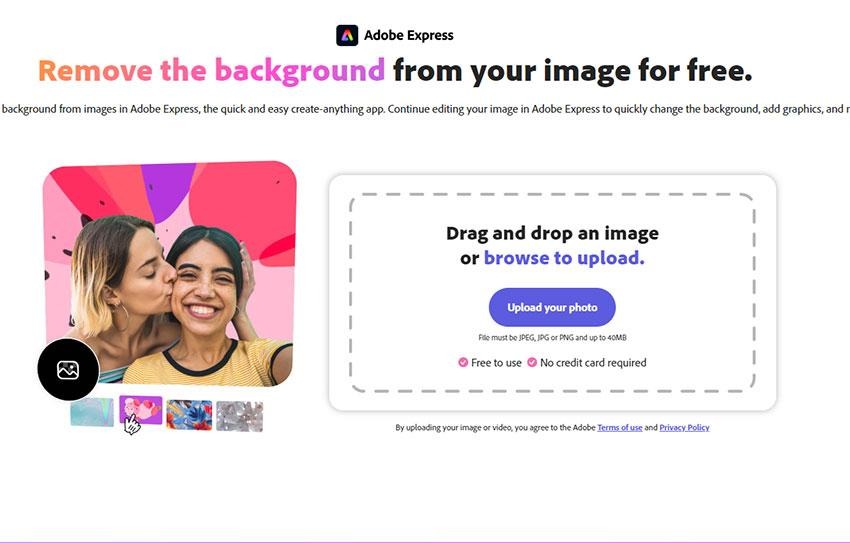
Just want to freshen up your product photos but keep it fun? You might like Adobe Express. The background remover can remove the background from any pictures of your handmade candles, mugs, or jewelry in just a matter of seconds; then you can change up the background with a pre-made template, add a new background, or save the photo as a transparent PNG. So easy!
You'll also have access to Adobe Stock assets, text effects, brand kits, and even one-click resize with the Premium plan. That candle photo can turn into a beautiful Instagram post or even a selling banner in no time. Just pay attention to the thin or low-contrast edges - they may be lost sometimes. Have you given it a try?
| What you get | |
| Cost | Free plan: $0. Premium: $9.99/month (US pricing). |
| Time | Background removal takes 3-4 seconds; extra editing takes longer. |
| The catch | Fine details may get clipped. Premium is needed for advanced features like one-click resizing. |
Your Total: Which Receipt Fits Your Shop?
Got a huge new product launch or weekend market on the horizon? Well, Designkit is our top pick and is your new best friend. Batch processing, Download All, and Etsy/Shopify presets make getting your product photos ready a breeze. You could use one image for a product listing photo, a branded graphic, and a social post-yes, please!
Already a fan of Canva? No problem. Continuing to use Canva is the smoothest leap from Remove.bg.
Here's the deal: test your most difficult product to photograph first. An item like fuzzy yarn, transparent glass, or a mug with a handle opening will show more than a straightforward product shot.